
Click any text.
Get better copy.
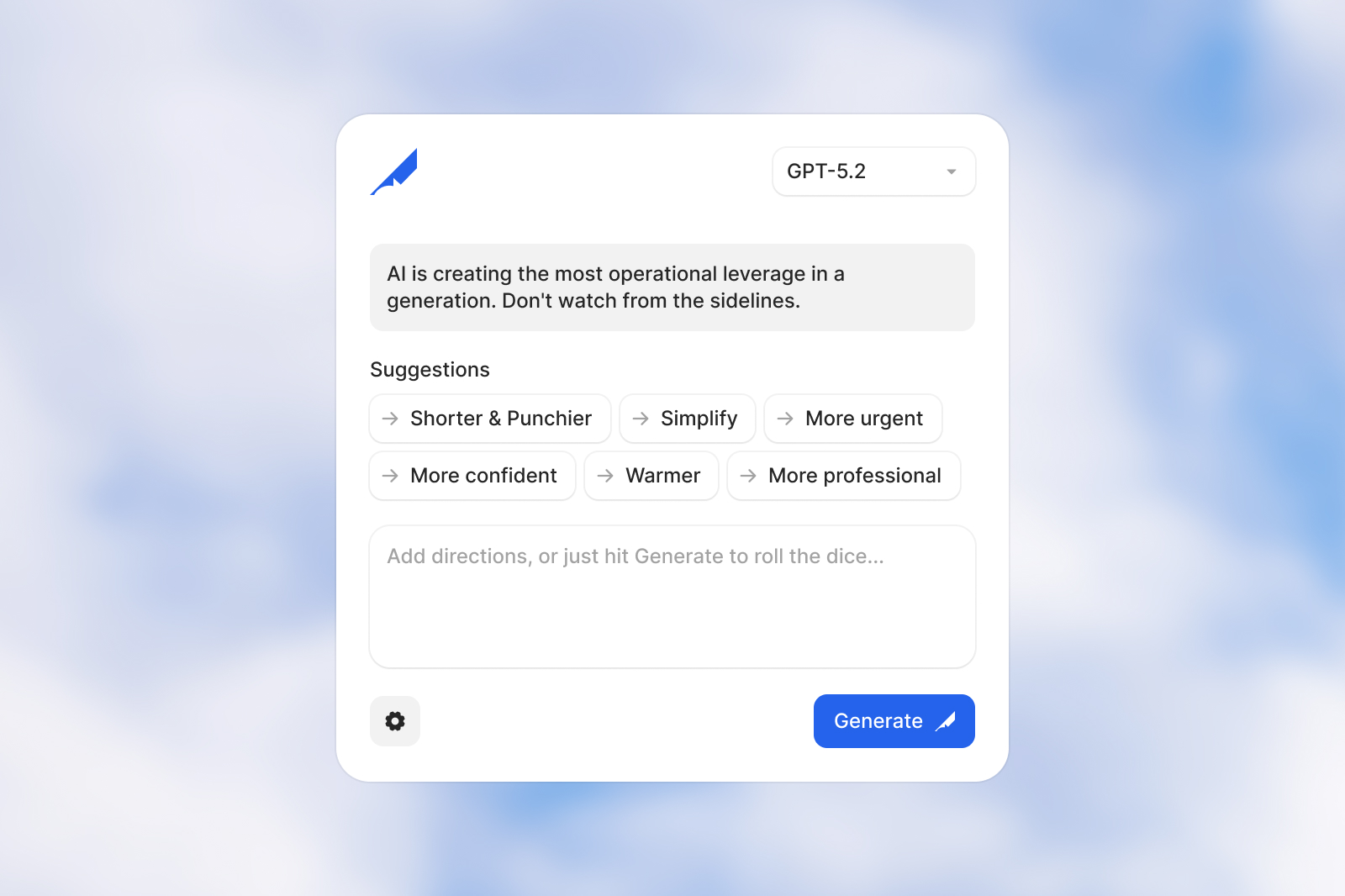
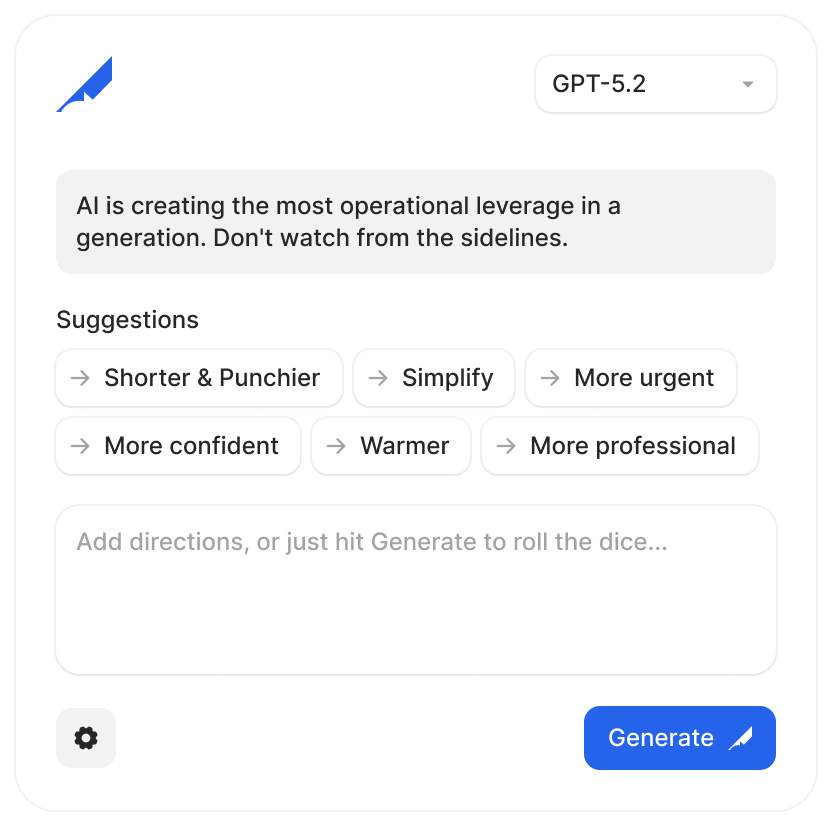
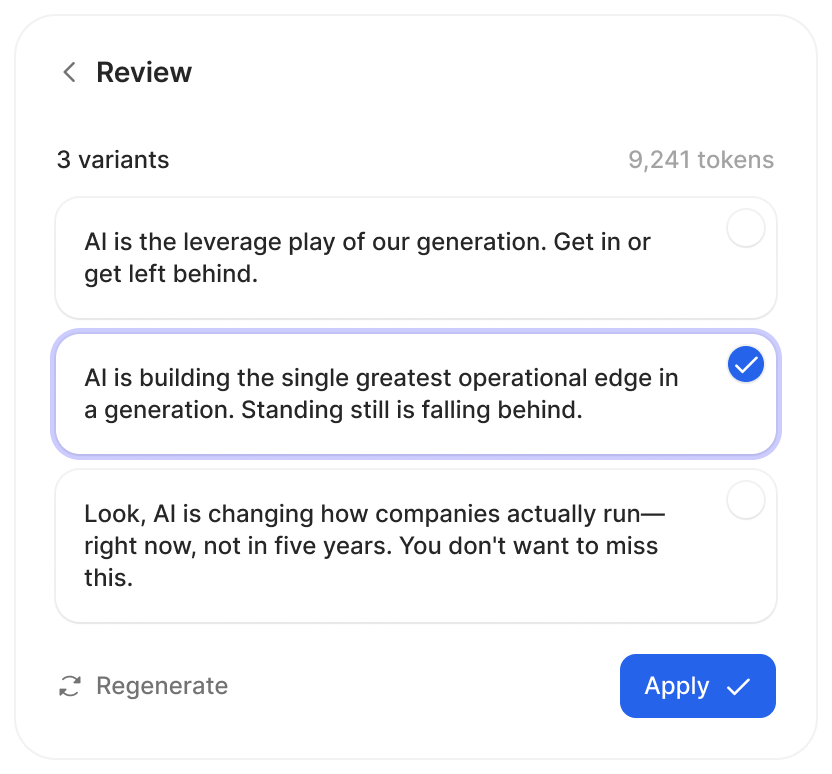
Hemingway turns your dev site into a copy editing surface. Click any heading, paragraph, or button — get three Claude-powered alternatives calibrated to context and position. Apply one and it writes back to your source file.
⌘⇧H to toggle
How it works
- Click any heading, paragraph, button, or link on your dev site. Hemingway outlines everything that's editable.
- Get three Claude-written alternatives. Each one is calibrated to its copy job — hero headline, section opener, CTA label — and to where it falls in your page's narrative arc.
- One click updates the live page and writes the change back to your source file. No copy-paste. No round-trips.
Features
- Local-first — Everything runs on localhost. Your copy goes to Anthropic's API and nowhere else.
- Framework-agnostic — One script tag works with React, Vue, Svelte, Astro, or plain HTML.
- Writes to source — Changes go back to your actual source files, not just the DOM.
- Context-aware — Hemingway builds a page brief before every generation — narrative stage, section role, copy job. Claude gets a brief, not just a string.
- Learns your preferences — Tracks which alternatives you pick and adapts future suggestions.
- Style guide support — Point Hemingway at your brand voice doc. It's included in every generation request.
Quick start
# Install
npm install hemingway-ai

# Run the server
npx hemingway-ai

# Add to your site
<script src="http://localhost:4800/client.js"></script>

# Press Cmd+Shift+H to toggle on/off